LAUNCH OFFERThe Complete Bundle is free for the first 100 people. Get it free

Built for engineers

The finite element method, one cell at a time.

Learn the finite element method by building it yourself in Excel. No black box, no macros: every stiffness term and every iteration is a formula you can click on.

4.7 from 10 verified reviews on Gumroad

  • Excel on Windows and Mac
  • No FEA experience needed
  • Free for the first 100 people

Inside the free Starter Kit: press F9 and the beam solves itself.

33guided worksheets
24practice problems
2ebooks included

Why this works

Don't just run FEA. Understand it.

Commercial software hides the method behind a Solve button. Here you assemble the stiffness matrix, apply the supports and watch the answer converge, one cell at a time.

BEFORE Simulation Suite · Static Structural ▸ Geometry▸ Mesh▸ Loads▸ Supports▸ Settings… SOLVE ▶ 2471240 von Mises stress (MPa) · Max 247.3 ?

Press Solve, get a colourful picture, hope it's right.

AFTER Plate_with_hole.xlsx I6 fx =s0*(1+a^2/(2*r^2)+3*a^4/(2*r^4)) 989910010310711111010811011110710310099989797979910511412011812011410599979797959493929510713416113410795929394959492898477706363707784899294939187806633336680879193949289847770636370778489929495949392951071341611341079592939495979797991051141201181201141059997979798991001031071111101081101111071031009998 the formula in cell I6 =s0*(1+a^2/(2*r^2)+3*a^4/(2*r^4))

The same plate in Excel. Every cell is a formula you wrote.

What's inside

What you'll build

Three Excel packs and two ebooks. Each pack has 11 guided lessons and 8 practice problems, and most worksheets take 10 to 20 minutes.

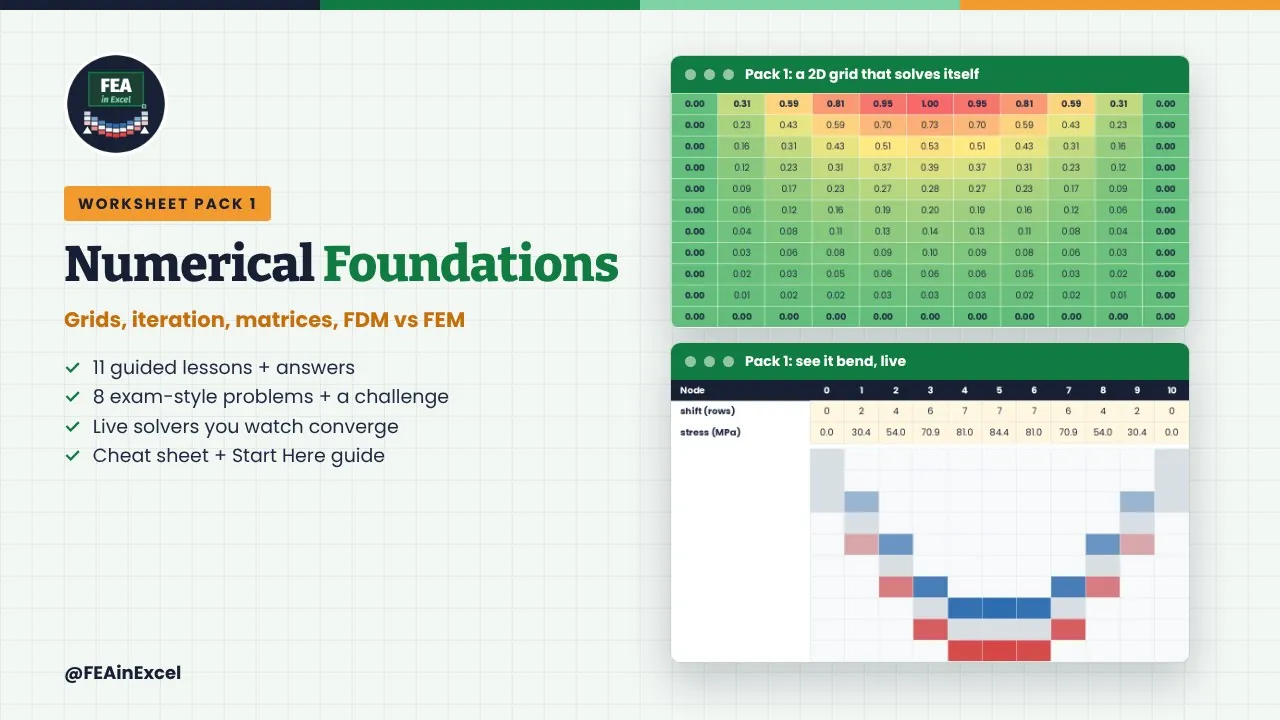
Pack 1: Numerical Foundations
PACK 1 · START HERE

Numerical Foundations

11 worksheets · 8 practice problems
  • Set Excel up to solve iteratively
  • Hanging cables, bending moments and beam deflection
  • Matrices in Excel, FDM vs FEM, 2D grids
See what's inside →
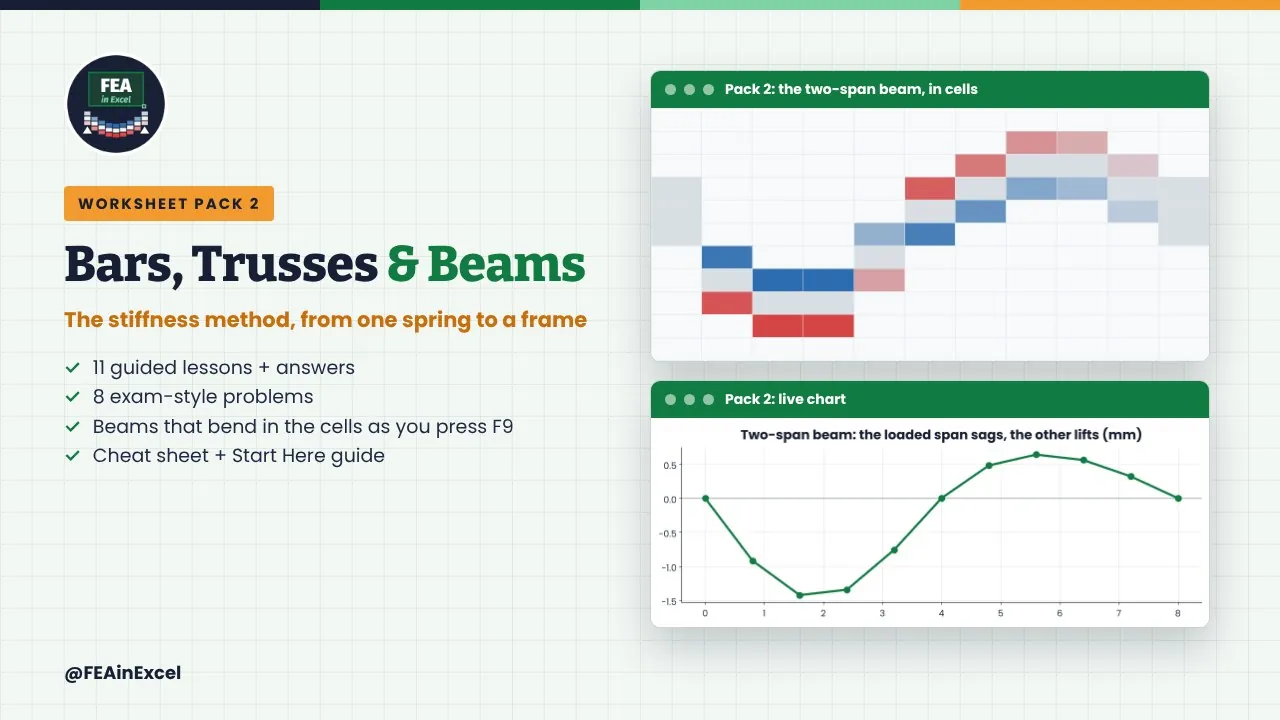
Pack 2: Bars, Trusses and Beams
PACK 2

Bars, Trusses & Beams

11 worksheets · 8 practice problems
  • Spring and bar elements, assembling the global K
  • Supports, reactions and solving a truss
  • Beam elements, frames and buckling
See what's inside →
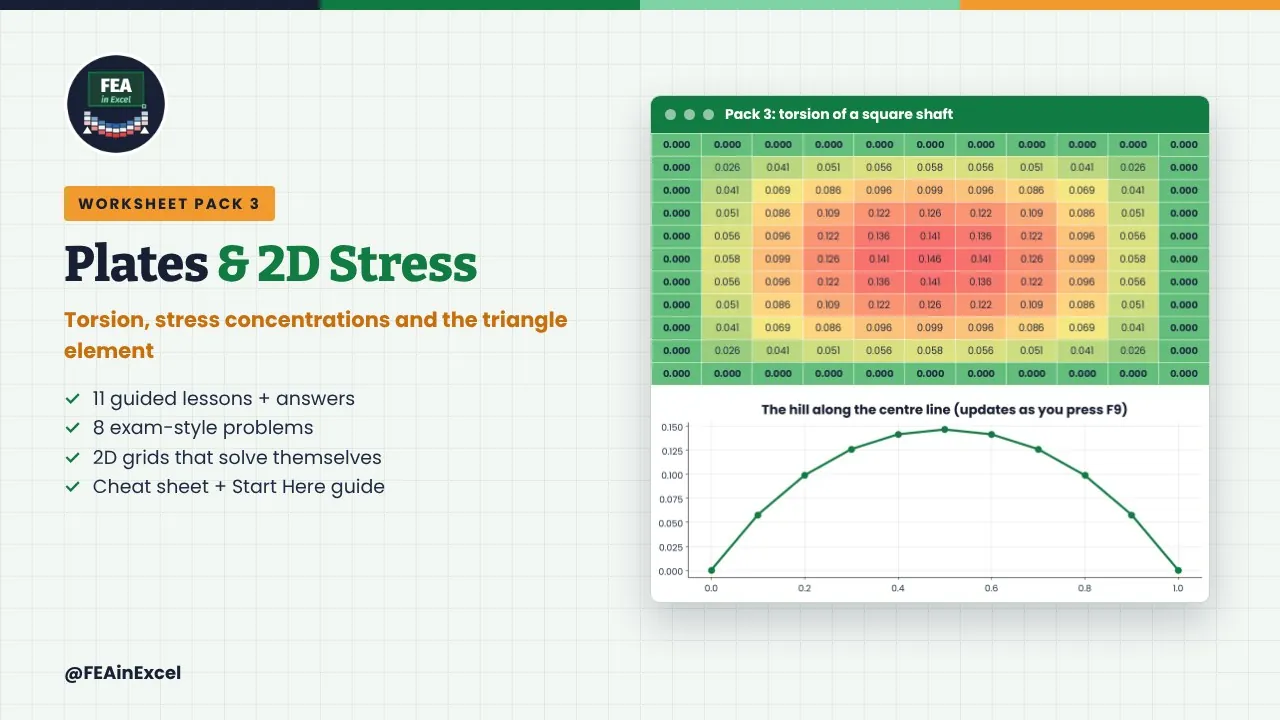
Pack 3: Plates and 2D Stress
PACK 3

Plates & 2D Stress

11 worksheets · 8 practice problems
  • Torsion, stress concentrations and thick cylinders
  • The triangle element and its stiffness matrix
  • Capstone: a plate with a hole
See what's inside →
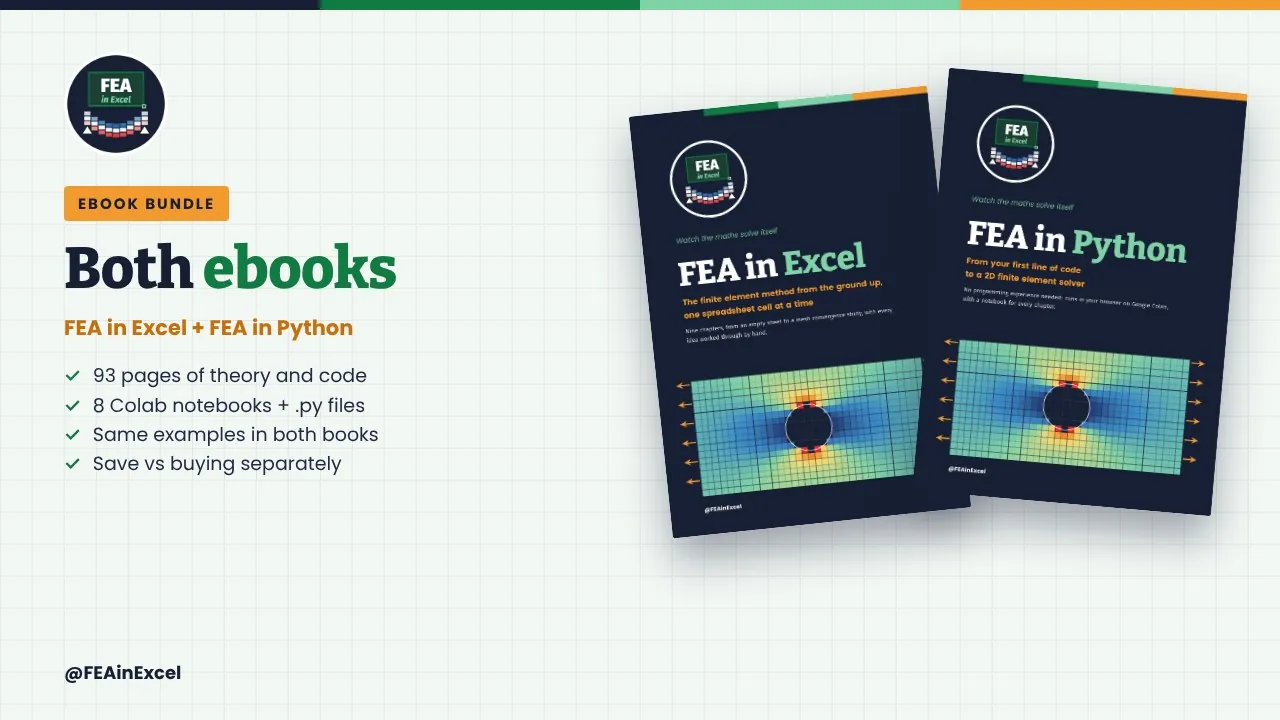
The two ebooks: FEA in Excel and FEA in Python
THE EBOOKS

Read the theory behind FEA

Two ebooks: FEA in Excel (49 pages) and FEA in Python (44 pages, with 8 Colab notebooks).

See what's inside →

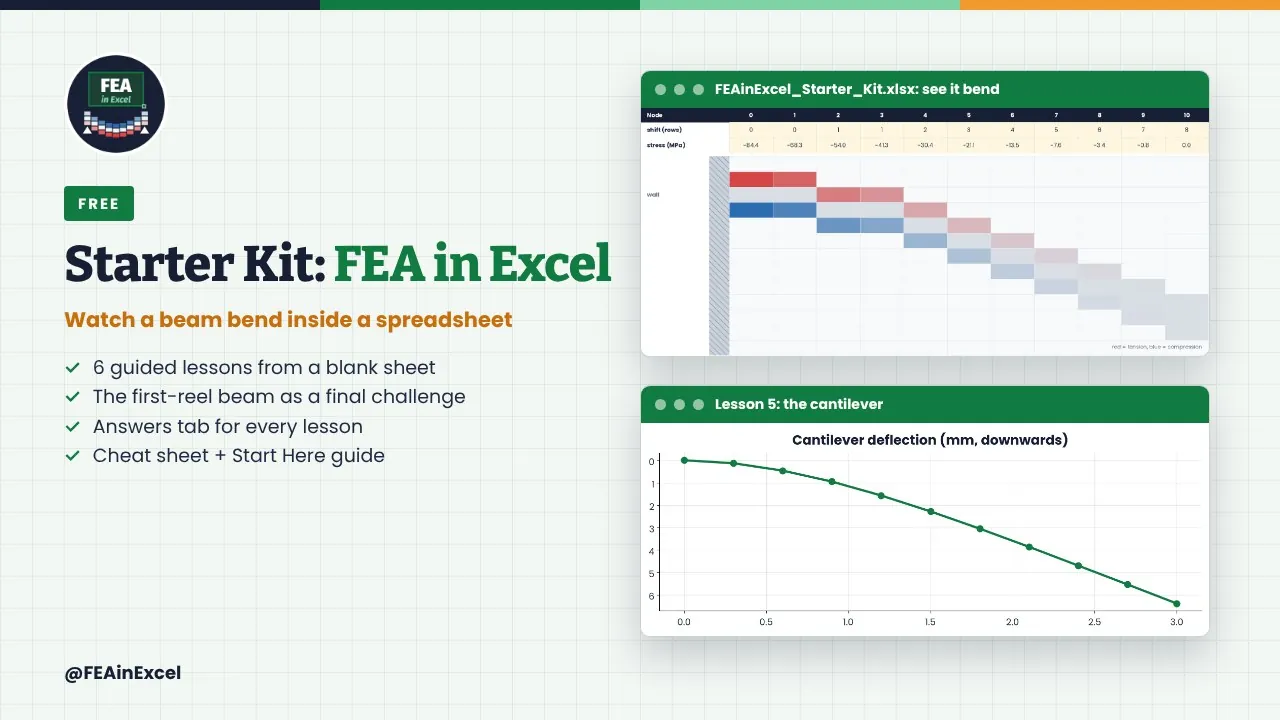
Free Starter Kit

Try the first six lessons free

See how it works before you spend anything. The Starter Kit is the opening of Pack 1, yours to keep.

  • 6 guided worksheets, from setting Excel up to solving a cantilever
  • A challenge sheet: the beam from the first reel
  • Start Here guide and a one-page cheat sheet
Get the free Starter Kit
The free FEA in Excel Starter Kit

Who it's for

Is this for you?

This is for you if

  • You learn by doing, not by watching
  • You want to see what FEA software is doing underneath
  • You'd rather follow numbers in cells than pages of index notation

It's not for you if

  • You only want to learn which buttons to press in a commercial package
  • You need research-level nonlinear or dynamic modelling

Pricing

Get everything

Free for the first 100 people. One download, yours to keep.

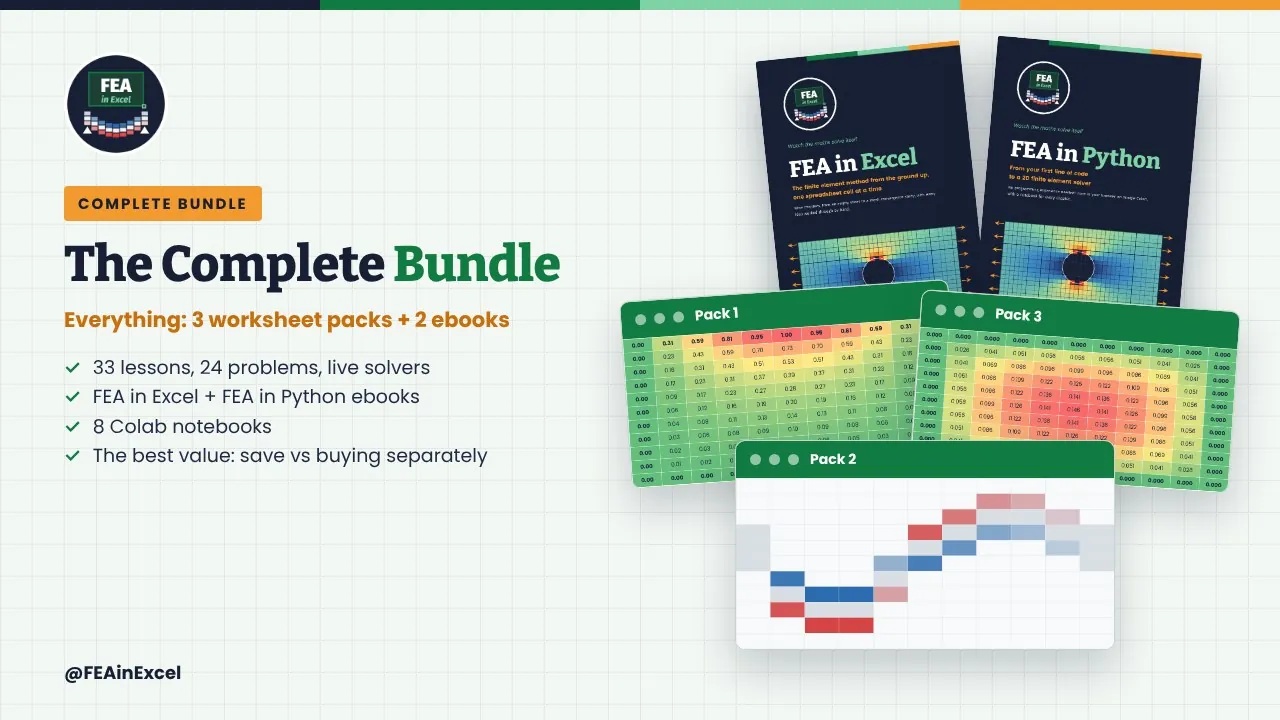
The Complete Bundle: three worksheet packs and two ebooks
LAUNCH OFFER

The Complete Bundle

Free£39.99First 100 people only

4.7 from 10 verified reviews

  • All three Excel packs
  • 33 guided worksheets and 24 practice problems, with live solvers
  • Start Here guide and cheat sheet for every pack
  • Both ebooks (PDF) and 8 Colab notebooks
  • Questions answered on Instagram
Get everything free

Enter £0 at checkout. Free for the first 100 people, then £39.99 · Instant download

Prices in GBP and include UK VAT. Elsewhere, local tax is worked out at checkout.

Or buy the parts separately

FAQ

Questions, answered

What software do I need?

Desktop Excel on Windows or Mac. The worksheets use iterative calculation, which you switch on once in Excel's options; Lesson 0 walks you through it. There are no macros or add-ins. Google Sheets isn't recommended. The Python ebook runs in Google Colab, so there's nothing to install.

I've never done FEA. Is this too advanced?

No. Pack 1 starts from slopes and curvature and builds up one idea at a time. If you're comfortable with basic Excel formulas and first-year engineering maths, you're ready.

How long does it take?

Most worksheets take 10 to 20 minutes. A pack is a comfortable weekend, or a lesson a day over a couple of weeks.

How do I get the files?

Checkout is handled by Gumroad. As soon as you pay you get a download link on screen and by email, and you can download the files again whenever you need them.

What if I get stuck?

Every worksheet has a full answer tab. If that doesn't clear it up, message @FEAinExcel on Instagram.

Ready to see how FEA really works?

Build it once in Excel and you'll never look at a contour plot the same way.

The Complete BundleFree£39.99 first 100

Get everything